Golf Clinic & Camp Enrollment Kit
A coordinated enrollment campaign for an actual clinic, lesson series, or junior camp, linked to the instructor’s existing booking process and populated with verified program information.
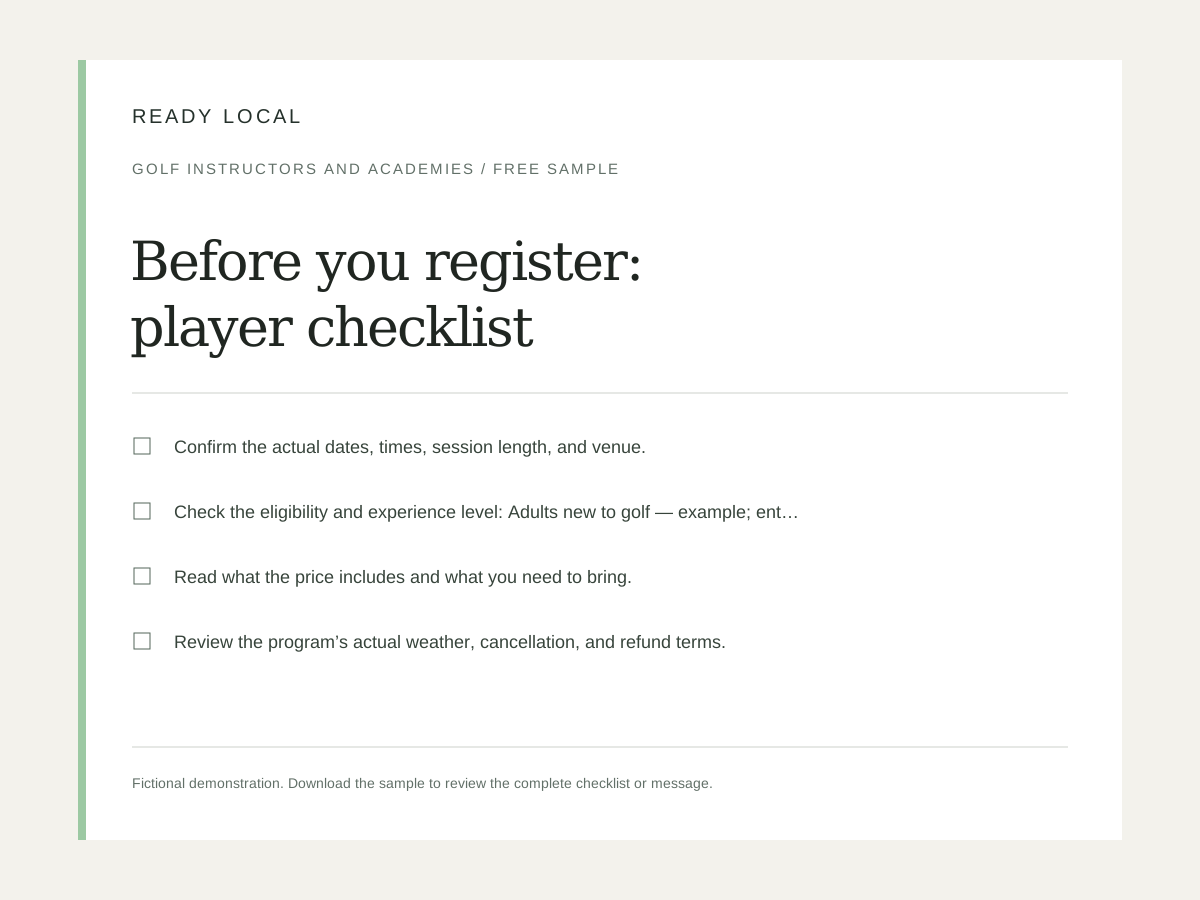
What you’ll put to work.
Make it easier for players and parents to understand a real program and complete registration.
- Registration landing page
- Clinic and camp flyers
- Parent/player FAQ
- Session schedule
- Package comparisons
- Email launch sequence
- Deadline and remaining-space reminders
- Next-program follow-up messages
Make it your business.
Actual program name
Set this to match the services and workflow your business already uses.
Program date / start date
Set this to match the services and workflow your business already uses.
Session time and duration
Set this to match the services and workflow your business already uses.
Venue and meeting point
Set this to match the services and workflow your business already uses.
Player eligibility / age range
Set this to match the services and workflow your business already uses.
Actual maximum enrollment
Illustrative capacity, not an available-space claim.
From purchase to practical.
- Open the editor and enter your real business name, contact details, service information, brand color, and logo. Demonstration values are illustrative, not recommended prices.
- Review every generated asset. Replace square-bracket job or customer details before sending, printing, or publishing. Confirm your scope, dates, prices, links, and terms.
- Download an editable project file before leaving the browser. Export only the formats appropriate to the selected asset. Keep an original copy for later changes.
- Use customer photos, testimonials, and logos only with permission. Keep sample businesses visibly labeled; do not present demonstrations as customer results.
- Your single-business license permits permanent use of purchased downloads, with 12 months of updates and support. Redistribution, resale, and sublicensing of the templates are not included.
- Replace every example program date, price, eligibility detail, and capacity with the actual offering. Verify the registration link in a private browser window.
- Keep participant records and any parent/guardian consent in your approved registration system. Use real deadlines and verified remaining places only.
Good to know.
Do I need a subscription?
No. This is a one-time purchase for permanent single-business use of the downloaded product. Support and updates are included for 12 months.
Can I change the branding and wording?
Yes. Use the browser editor and editable exports. The optional add-on applies supplied branding and settings throughout the complete package in one export.
What if it doesn’t fit my business?
Request a refund within 14 days of purchase from your customer library. See the refund policy for details.
Using your kit
- A square-bracket label remains: it is a job-specific field to complete in the exported document. Double-brace business fields should be filled through the editor.
- A logo looks soft: use a larger transparent PNG. Check exported files at actual print size before ordering printed materials.
- Text overflows: shorten the longest heading or paragraph, then export again. Review PDFs page by page and spreadsheet calculations before customer use.
- A link does not work: enter a complete https:// URL and test it in a private browser window. Do not publish an example.com address.
- The flyer and registration page disagree: update the marketing material to match the actual booking system before sending.
- A junior program needs more information: route the parent/guardian to the instructor’s approved process rather than adding sensitive-data collection to the public page.