Equipment Sales-Sheet Generator
A portable browser tool for forklift dealers: import a consistent inventory CSV and your own photos, then create branded specification sheets, a printable catalog, listing graphics, and an email-ready stock update.
What you’ll put to work.
Produce consistent customer-facing inventory material from one maintained stock list.
- Portable inventory application
- Forklift CSV import template
- Branded specification sheets
- Printable inventory catalog
- Individual stock graphics
- Email-ready inventory update
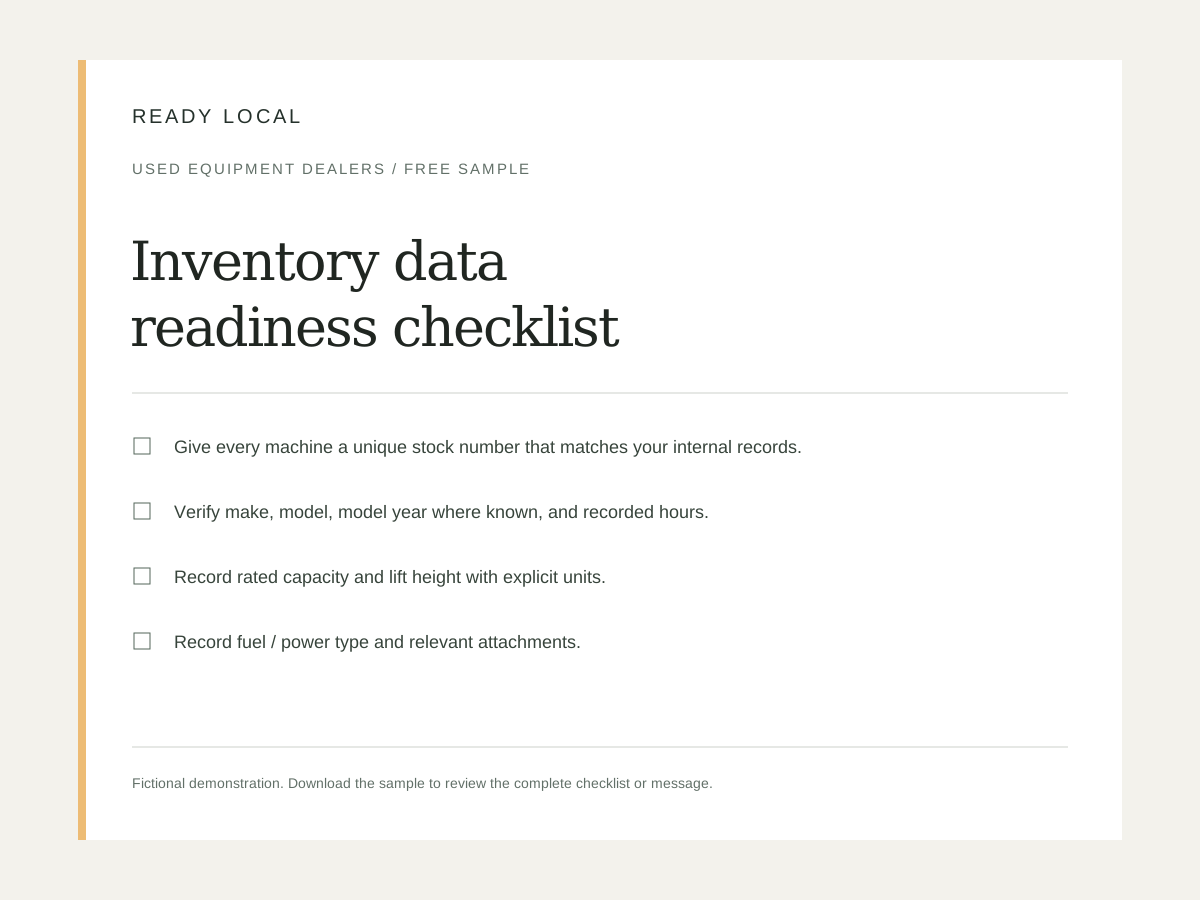
- Photo and data-quality checklists
Make it your business.
Equipment category
Set this to match the services and workflow your business already uses.
Inventory inquiry URL
Set this to match the services and workflow your business already uses.
Price and availability note
Set this to match the services and workflow your business already uses.
Specification verification note
Set this to match the services and workflow your business already uses.
Sales / delivery area
Set this to match the services and workflow your business already uses.
From purchase to practical.
- Open the editor and enter your real business name, contact details, service information, brand color, and logo. Demonstration values are illustrative, not recommended prices.
- Review every generated asset. Replace square-bracket job or customer details before sending, printing, or publishing. Confirm your scope, dates, prices, links, and terms.
- Download an editable project file before leaving the browser. Export only the formats appropriate to the selected asset. Keep an original copy for later changes.
- Use customer photos, testimonials, and logos only with permission. Keep sample businesses visibly labeled; do not present demonstrations as customer results.
- Your single-business license permits permanent use of purchased downloads, with 12 months of updates and support. Redistribution, resale, and sublicensing of the templates are not included.
- Start with the supplied CSV header. Verify specifications and availability against your own stock records; examples are fictional.
- Select local photo files and match photo_filename exactly. Review all sheets before publishing the dated inventory snapshot.
Good to know.
Do I need a subscription?
No. This is a one-time purchase for permanent single-business use of the downloaded product. Support and updates are included for 12 months.
Can I change the branding and wording?
Yes. Use the browser editor and editable exports. The optional add-on applies supplied branding and settings throughout the complete package in one export.
What if it doesn’t fit my business?
Request a refund within 14 days of purchase from your customer library. See the refund policy for details.
Using your kit
- A square-bracket label remains: it is a job-specific field to complete in the exported document. Double-brace business fields should be filled through the editor.
- A logo looks soft: use a larger transparent PNG. Check exported files at actual print size before ordering printed materials.
- Text overflows: shorten the longest heading or paragraph, then export again. Review PDFs page by page and spreadsheet calculations before customer use.
- A link does not work: enter a complete https:// URL and test it in a private browser window. Do not publish an example.com address.
- A price or hour value is rejected: remove currency symbols and thousands separators from numeric CSV cells; leave unknown values blank.
- A photo is missing: match the CSV filename, extension, and case to the selected local file. The browser cannot read an unselected folder automatically.
- An old unit appears: update availability in the source file and import again. The exported PDF does not update itself after download.